
Business email. Accounts you control.
Microsoft 365 administration, business email setup and planned email migrations for small offices. Get staff into the right mailboxes and shared resources while keeping account ownership with your business.
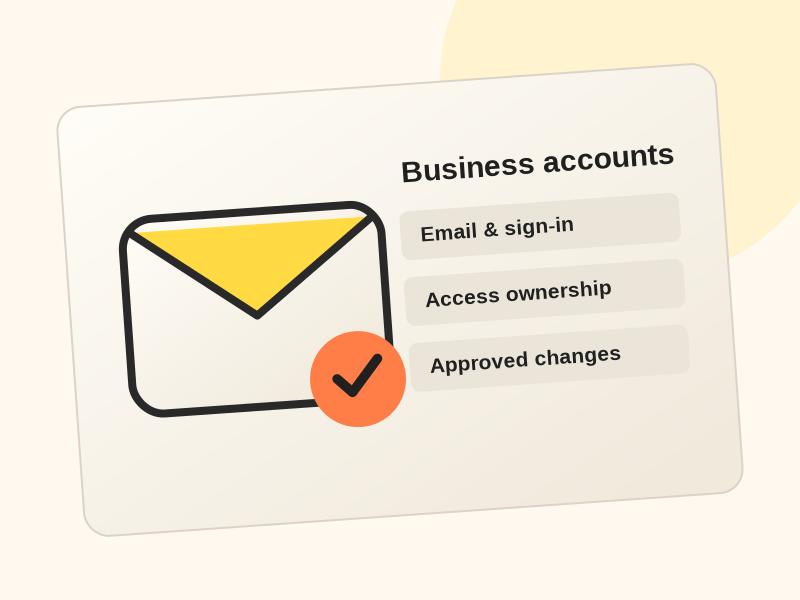
Make email access match the people doing the work.
A mailbox tied to an old employee or a domain only one vendor controls can turn a routine change into a bigger project. We start with the authorized owner, current provider and access needed for the requested change.
Microsoft 365 user & mailbox admin
Set up approved users, mailboxes and shared access. Routine Microsoft 365 administration can use the Managed Office IT allowance.
Business email on office devices
Configure agreed mail applications and devices, then check sign-in and test sending and receiving email.
Email migration planning
Define source and destination services, named mailboxes, data scope, DNS access, change window and testing before quoting a migration.
Plan the move before changing the records.
Mailbox size, export options, provider restrictions and domain ownership affect an email migration. We agree which messages and resources are included and document anything that needs the current provider. Licenses and third-party charges are separate.
Account recovery follows the provider’s ownership and verification process. We cannot bypass access controls, decide who is entitled to a mailbox or promise that all historical data can be moved.
Microsoft 365 admin, or a planned email move.
Routine Microsoft 365 administration is part of Managed Office IT, within its covered office and remote-help allowance. An approved email migration is a separately quoted project with named mailboxes, source/destination and handoff checks. Licenses are separate.
Agree the task. Check the work.
Tell us what is blocked
Share your location, affected users and devices, and the task you need to complete. Keep passwords and private customer information out of the inquiry.
Review the scope
We confirm access, the work window, completion checks and a quote. Hardware, licenses, travel and provider charges are identified separately.
Make approved changes
Your office contact approves access and changes. We check the agreed tasks and record any remaining equipment, software or provider issue.
Hand it back clearly
You receive a summary of changes and next steps. Additional work and ongoing support require their own agreed scope.
Questions before we start.
Is Microsoft 365 support included in the monthly plan?
Routine administration is included within the covered office and remote-help allowance of Managed Office IT. A mailbox migration, larger rollout or additional project is quoted separately.
Can you help with email at another provider?
Describe the provider and task. We confirm the available administration or migration options and required owner access before agreeing the work.
Connected office support.
What does your office need next?
Start with a scheduled task and a scope you can review.
Let’s talk about your business