
Business files. Backups you can check.
Shared-file access, business backup configuration and agreed sample restore checks. Know who can reach the working files, which systems have backup coverage and what an actual restore test showed.
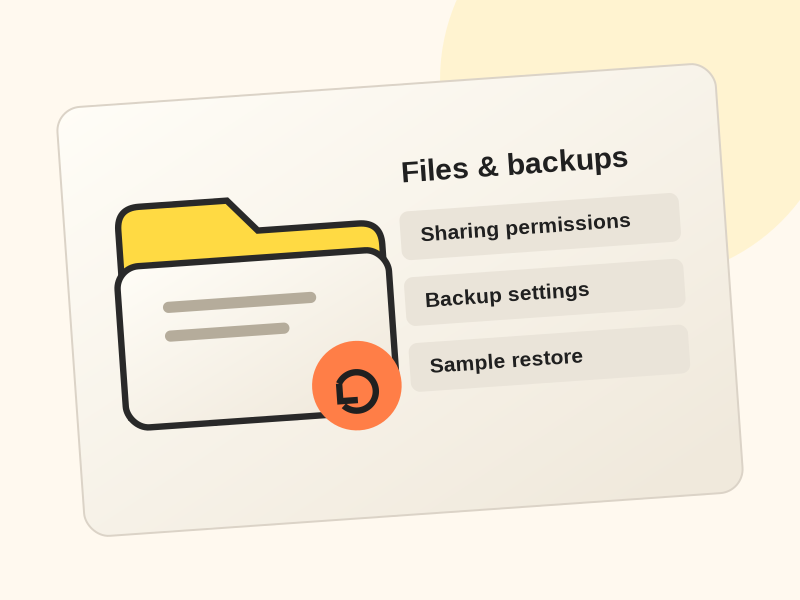
A shared folder and a backup solve different problems.
Your team needs the right access to working documents, while backup planning concerns the copies available when something is lost or changed. We review those tasks separately instead of assuming that a shared drive or account subscription protects every file.
Shared folders & permissions
Identify the file owner, storage location and authorized users. Apply approved access changes and test the agreed folder tasks.
Backup settings & coverage
Review the named devices, folders, destinations and available backup configuration. Document excluded data, ownership and any provider limits.
Sample file restore
Agree a non-sensitive sample, version and destination that will not overwrite working data. Attempt the restore and record the result and limits.
A recorded check is more useful than an assumed guarantee.
Managed backup is separate from Managed Office IT. Eligible backup plans include one sample file restore per quarter; the written plan identifies covered systems, storage, responsibilities and test scope.
A successful sample does not prove that every file, application or device can be recovered. Damaged-media recovery, broad disaster recovery and compliance advice are not included in an ordinary office backup check.
File access and an agreed restore check.
Scope shared-file permissions, backup configuration or a sample file restore. Managed backup is separate from Managed Office IT. Eligible backup plans include one sample file restore per quarter; the written scope names the files and checks. A sample does not guarantee recovery of every file or application.
Agree the task. Check the work.
Tell us what is blocked
Share your location, affected users and devices, and the task you need to complete. Keep passwords and private customer information out of the inquiry.
Review the scope
We confirm access, the work window, completion checks and a quote. Hardware, licenses, travel and provider charges are identified separately.
Make approved changes
Your office contact approves access and changes. We check the agreed tasks and record any remaining equipment, software or provider issue.
Hand it back clearly
You receive a summary of changes and next steps. Additional work and ongoing support require their own agreed scope.
Questions before we start.
Does Managed Office IT include managed backup?
No. Managed backup is a separate add-on. Eligible backup plans include one quarterly sample file restore; coverage and storage costs are defined in writing.
Will a restore check overwrite our current files?
The scope should name an appropriate test destination and an authorized sample. We agree those details before attempting the restore.
Connected office support.
What does your office need next?
Start with a scheduled task and a scope you can review.
Let’s talk about your business