
Business computers. Ready for the workday.
Business computer setup for a new employee, replacement laptop or office rollout. We configure the agreed workstation, licensed applications and connections, then test the tasks the person needs to do.
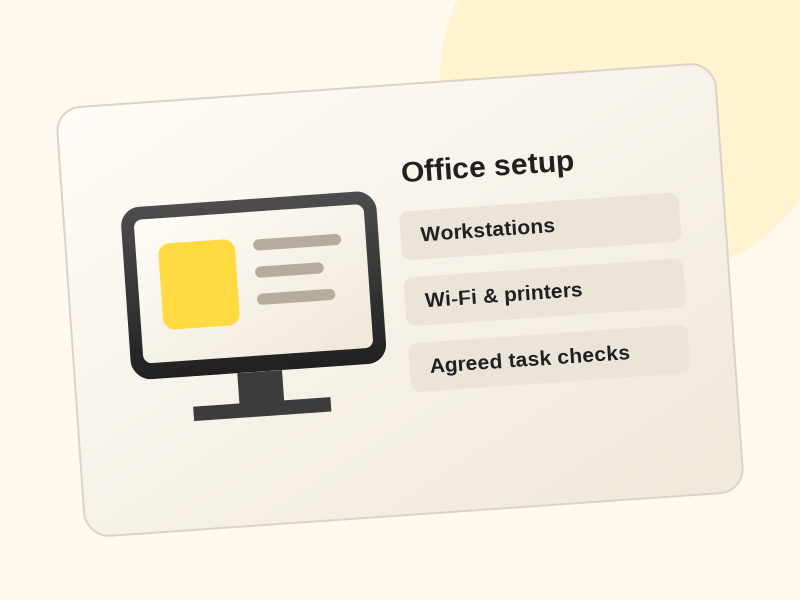
Set up the whole workstation, not just the computer.
A new laptop is not ready for work until its user can sign in, open the right applications, reach approved files and use the office equipment. We build a setup checklist around those tasks before making changes.
New & replacement computers
Review the role, equipment, operating system, application requirements and existing licenses before setting up the workstation.
Files, software & peripherals
Configure the agreed software, printer, screens and shared-file access. Define any file transfer from the old device before it starts.
Computer rollouts & IT inventory
For several devices or an office move, plan the rollout, device list, user assignments and handoff as a separately quoted project.
Keep purchasing and data transfer explicit.
Hardware, software subscriptions and old-device disposal are separate unless included in the proposal. A failing disk, inaccessible account or specialist application can require a different recovery or vendor process.
For staff changes, coordinate the workstation checklist with approved account access and onboarding or offboarding instructions. A working test task and written handoff close the agreed setup.
One computer, or a planned rollout.
For one agreed setup issue, IT Fix & Setup starts at $125 remote or $175 on-site for the first hour, with written handoff. Additional time uses the same hourly rate in 15-minute increments, approved first. Larger computer rollouts, office moves and migrations are quoted as projects. Hardware and licenses are separate.
Agree the task. Check the work.
Tell us what is blocked
Share your location, affected users and devices, and the task you need to complete. Keep passwords and private customer information out of the inquiry.
Review the scope
We confirm access, the work window, completion checks and a quote. Hardware, licenses, travel and provider charges are identified separately.
Make approved changes
Your office contact approves access and changes. We check the agreed tasks and record any remaining equipment, software or provider issue.
Hand it back clearly
You receive a summary of changes and next steps. Additional work and ongoing support require their own agreed scope.
Questions before we start.
Can you set up a computer we already bought?
Yes, after checking its suitability for the agreed applications and office tasks. We confirm licensing, access and any equipment limits before starting.
Can you move files from the old computer?
We can scope an agreed transfer from accessible source data. Damaged media, inaccessible files and specialist application data need a separate assessment; a setup does not guarantee recovery.
Connected office support.
What does your office need next?
Start with a scheduled task and a scope you can review.
Let’s talk about your business