
Staff changes. A clear IT handoff.
Employee IT onboarding and offboarding for office computers, Microsoft 365 accounts and shared-file access. Turn approved joiner, role-change or departure instructions into a checklist your office can review.
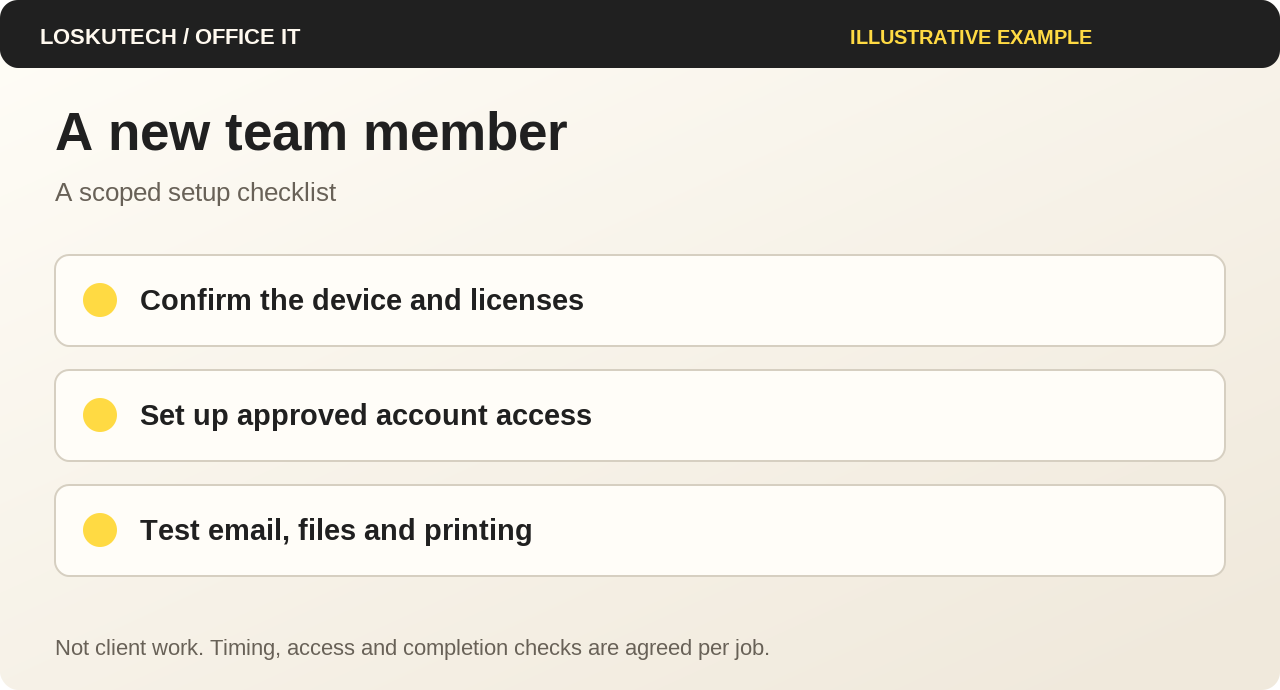
Prepare the tools and permissions for the person’s role.
A new starter needs more than a login. A departure needs more than collecting a laptop. We work from instructions approved by the business, with named equipment, accounts, access changes and a work window.
New employee setup
Coordinate the agreed computer, licensed applications, email and shared resources so the user can test the tasks needed to start.
Role & permission changes
Apply the access changes approved by the account or file owner. Record resources that require a specialist vendor or separate administrator.
Offboarding checklist
Carry out the approved access and device handoff steps. The business provides retention, mailbox and data-handling instructions.
Your business authorizes access and retention.
Routine Microsoft 365 administration may use the Managed Office IT allowance. Larger device rollouts, data transfers and migrations are quoted as projects. Equipment and licenses are separate.
Loskutech does not determine employment status, legal holds, privacy duties or who is entitled to private information. Those instructions stay with the authorized business owner and appropriate advisers.
A staff change with a checklist.
Prepare or remove approved Microsoft 365 access, set up an agreed computer and document the shared-file permissions and handoff. Routine administration can use a Managed Office IT allowance; a larger rollout or migration needs a project quote. An authorized office contact decides access and retention.
Agree the task. Check the work.
Tell us what is blocked
Share your location, affected users and devices, and the task you need to complete. Keep passwords and private customer information out of the inquiry.
Review the scope
We confirm access, the work window, completion checks and a quote. Hardware, licenses, travel and provider charges are identified separately.
Make approved changes
Your office contact approves access and changes. We check the agreed tasks and record any remaining equipment, software or provider issue.
Hand it back clearly
You receive a summary of changes and next steps. Additional work and ongoing support require their own agreed scope.
Questions before we start.
What should we prepare for a new starter?
The role, start date, equipment, approved applications, required mailbox and shared resources, plus someone who can authorize access and check the handoff.
Can you handle a departing employee’s mailbox?
The business must explicitly authorize the requested action and address retention, privacy and legal requirements. Provider permissions and licensing also affect the available options.
Connected office support.
What does your office need next?
Start with a scheduled task and a scope you can review.
Let’s talk about your business